
Sign in and reset your password
Sign in with your email and password, and what to do if you forgot it.
Step 1: Go to the sign-in page
Open portal.dedicatedcpa.com. You will see "Welcome back".
English, עברית (Hebrew) and Español (Spanish) are at the top if you want another language.
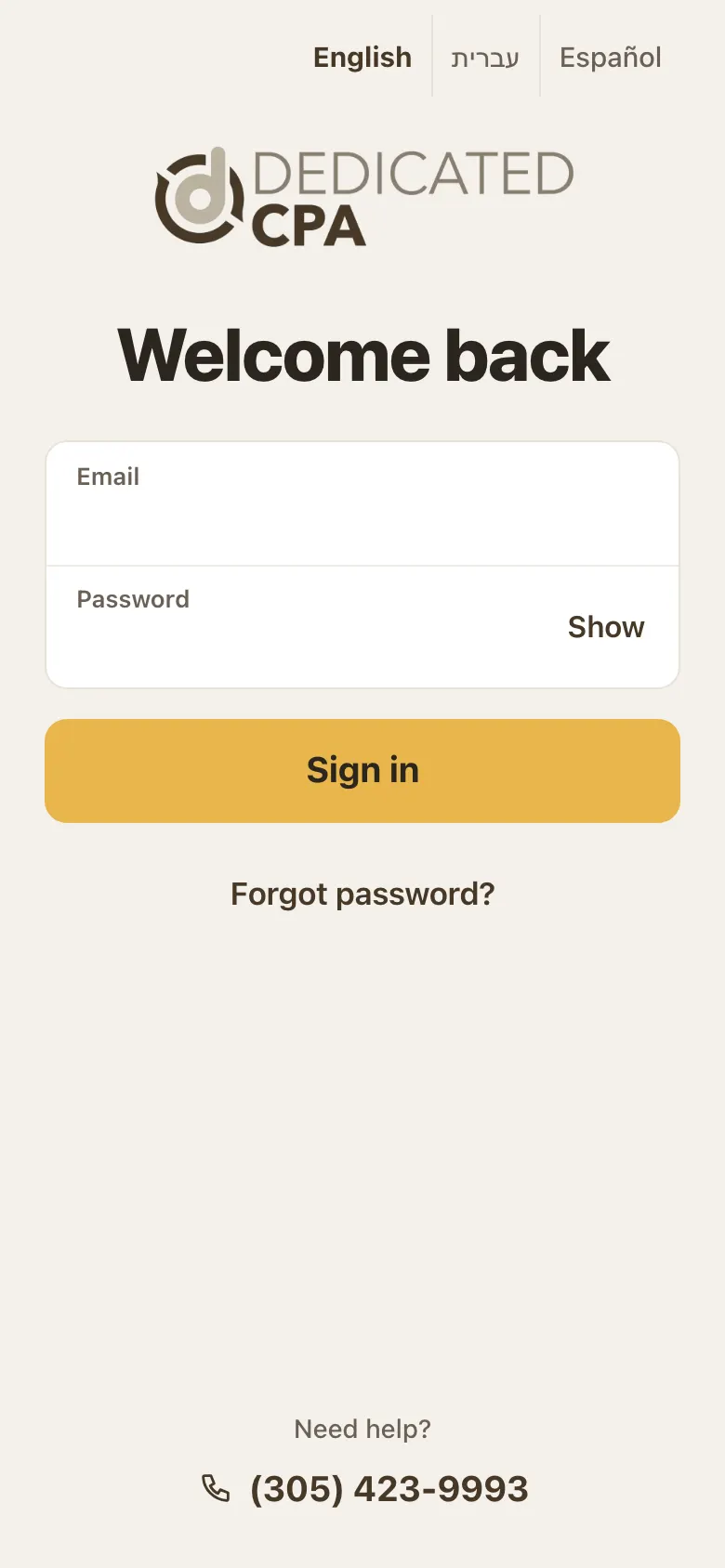
The sign-in page. Step 2: Type your email and password
Use the email we have on file for you.
Tap Show to see the password you typed and check it. Then tap Sign in.
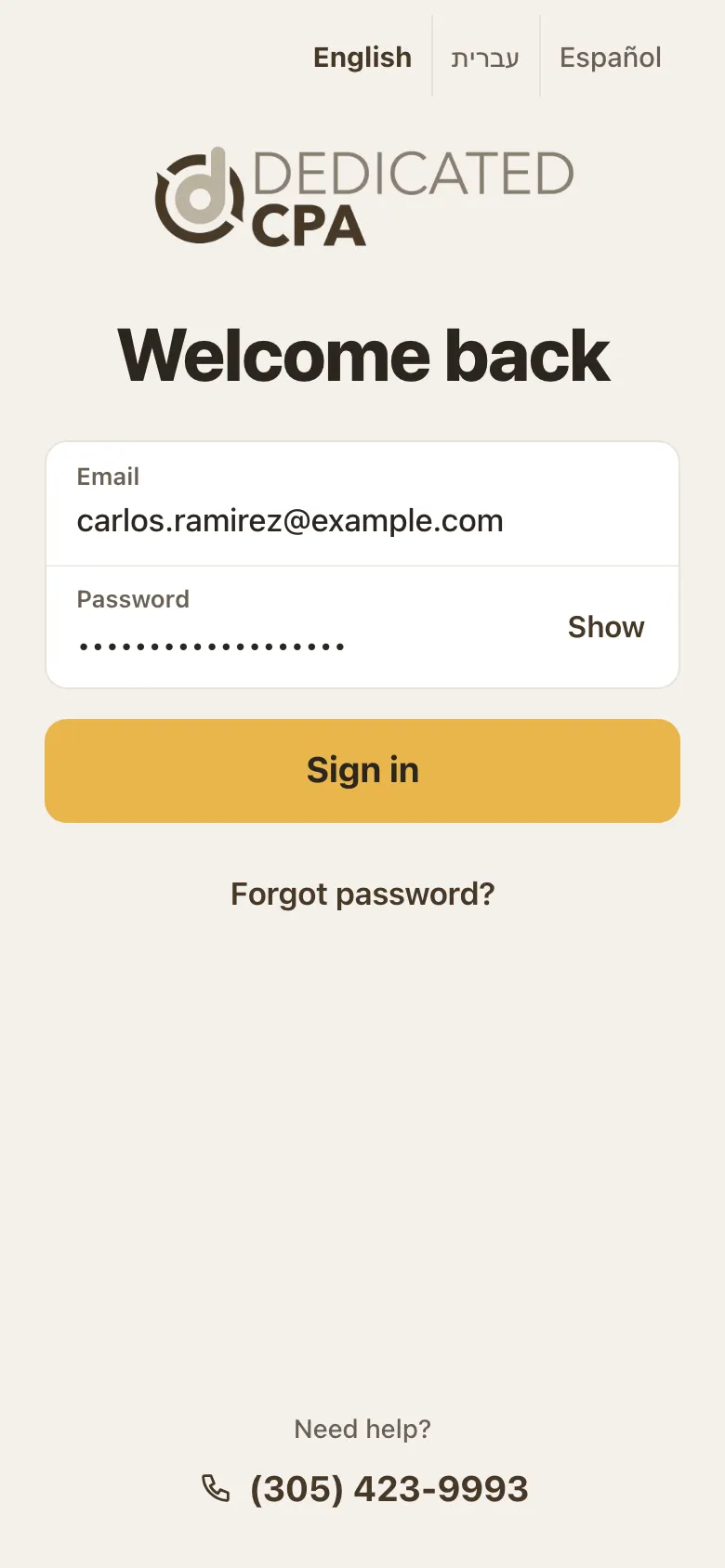
Show lets you check the password before you sign in. Step 3: If it says "That email and password don't match"
Check the email for typos, and use Show to check the password.
The message is the same for every sign-in problem. This is on purpose, to keep your account safe.
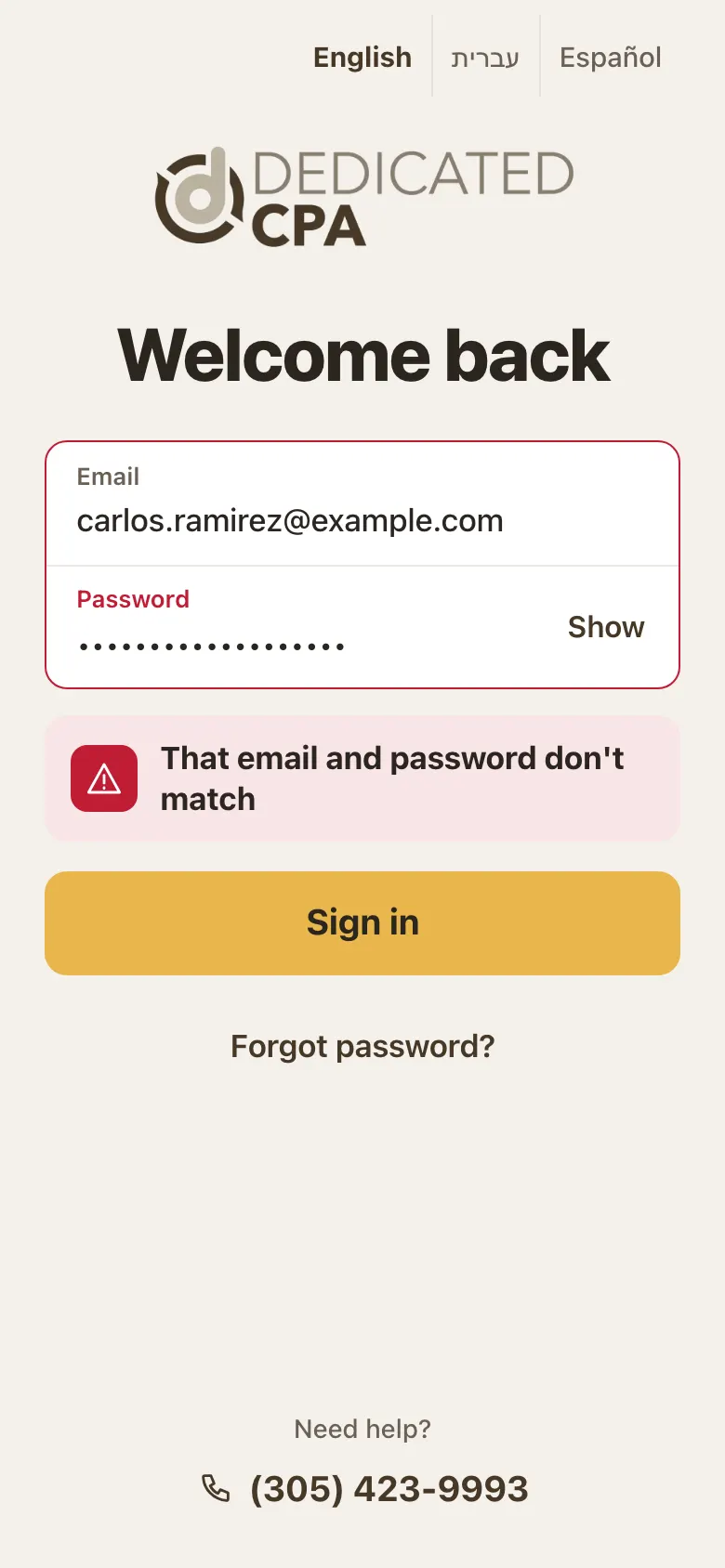
The message you see when the email and password do not match. Step 4: Forgot your password? Ask for a link
Tap Forgot password? on the same page.
Type your email and tap Send link.
Check your email. If it is not there in a few minutes, check your spam folder.
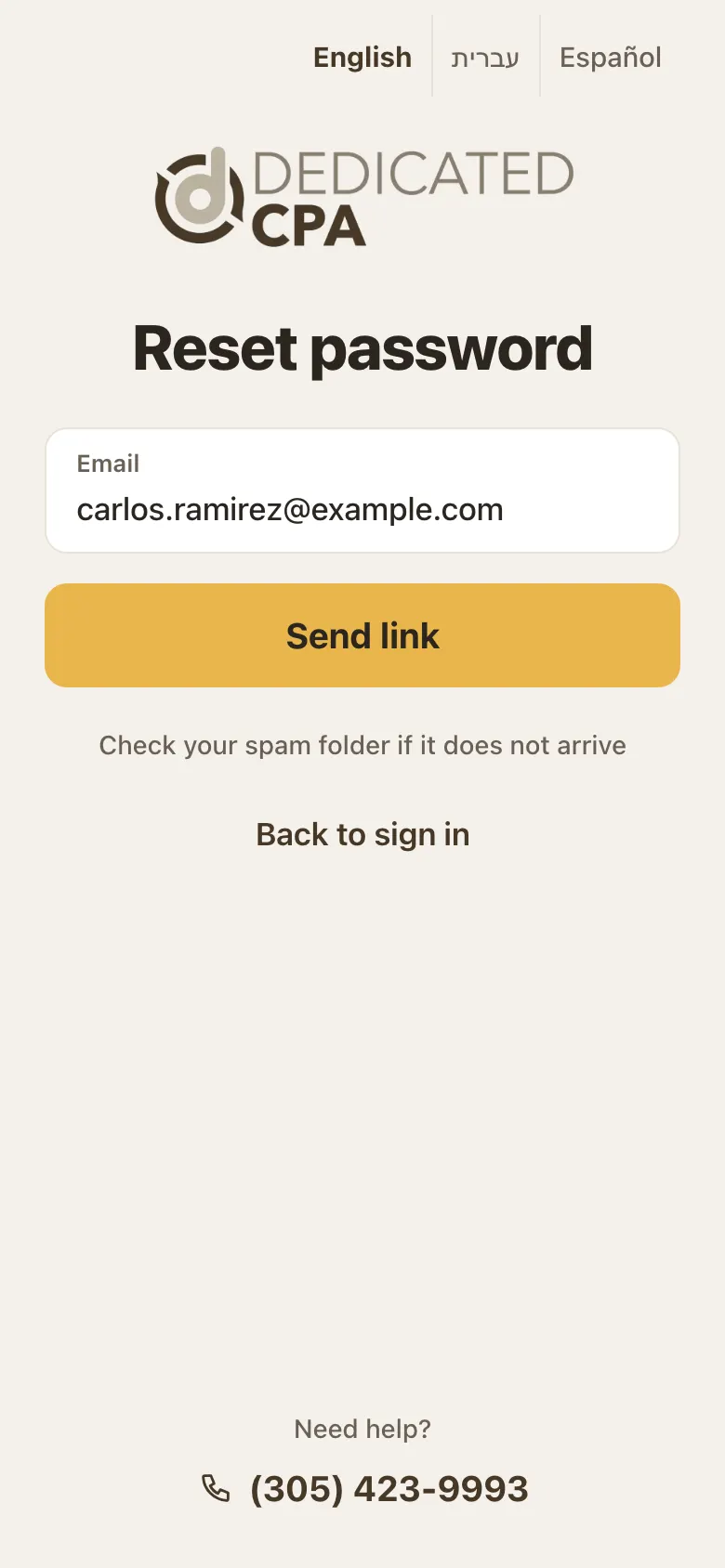
Reset password: type your email and tap Send link. Step 5: Set a new password
Open the email and tap the link.
Type your new password twice and save it. Then sign in with it.
Step 6: After you sign in: a quick check or two
If you have not picked a language yet, "Set up your portal" opens: pick a language, check your email and phone, and tap Done (see "The new client portal is here").
Once a year, household clients see "Is this still your home address?" Tap Yes, that's right, Change it, or Remind me later (see "Your profile and address").
On a phone, the "Get the app" window comes first, then these.
Good to know
- After 5 wrong tries, sign-in is locked for 30 minutes. Wait 30 minutes or reset your password.
- For your safety, the reset page always says a link is on its way, even if the email is not one we have on file. No email? Call us and we will check which email we have.
- From time to time the portal will ask you to choose a new password.
- Opened the portal from Gmail or another app? Saved passwords may not fill in there. Open the portal in Safari or Chrome instead.
Screens show a sample account with made-up details.