
Your account
Change the language
Use the portal in English, Hebrew or Spanish.
Step 1: On a phone: the bottom of More
Open More and scroll to the bottom. Tap English, עברית (Hebrew) or Español (Spanish).
On a computer, the language links are at the bottom of the left menu.
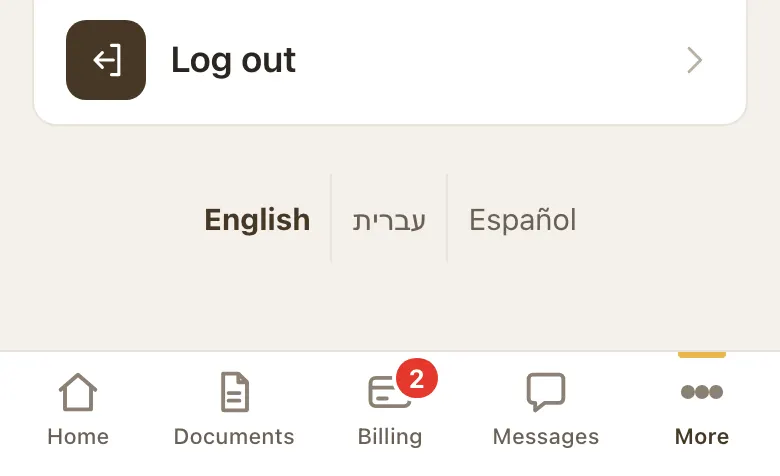
Language links at the bottom of More. Step 2: The portal switches right away
In Hebrew the portal reads right to left, and the tabs run right to left too.
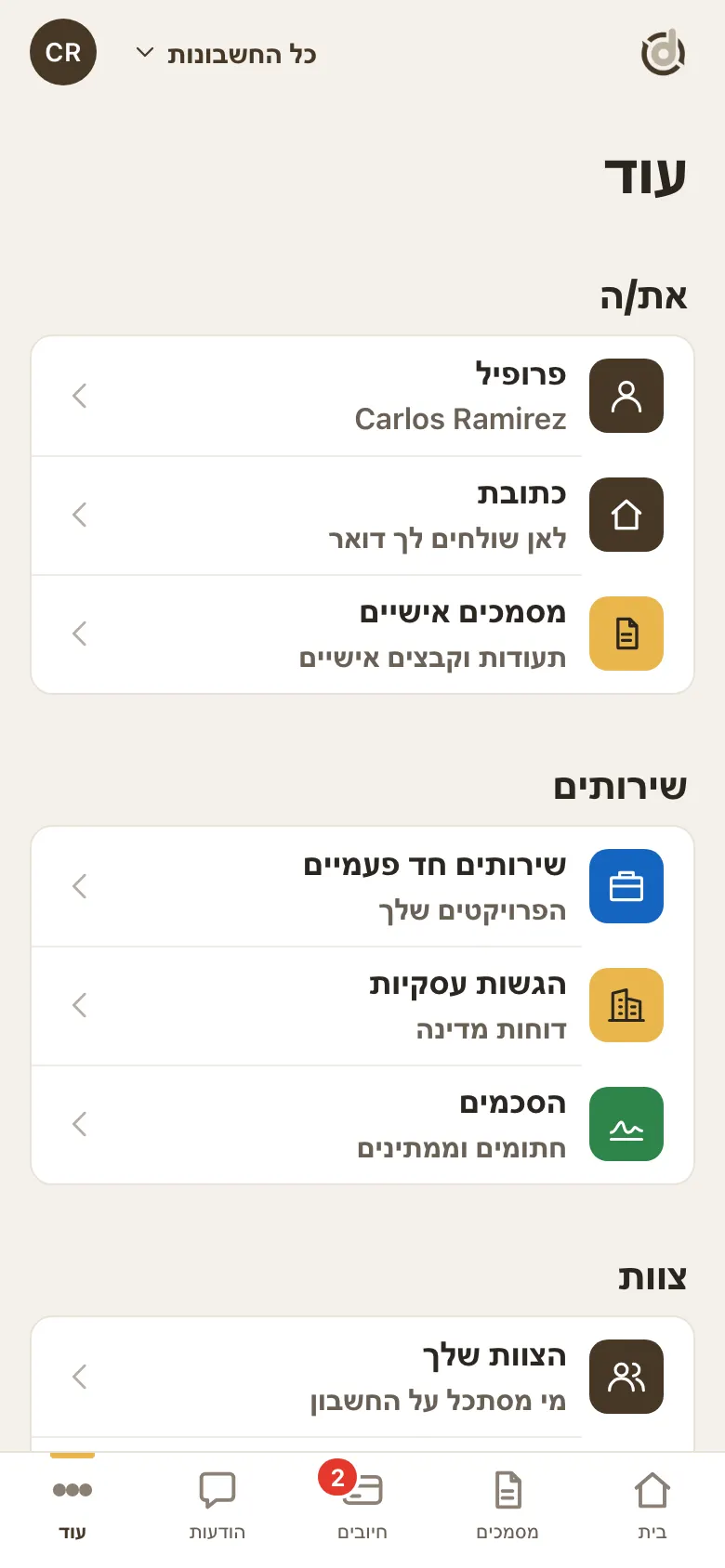
The portal in Hebrew. Step 3: On the sign-in page
The three languages are at the top of the sign-in page too.
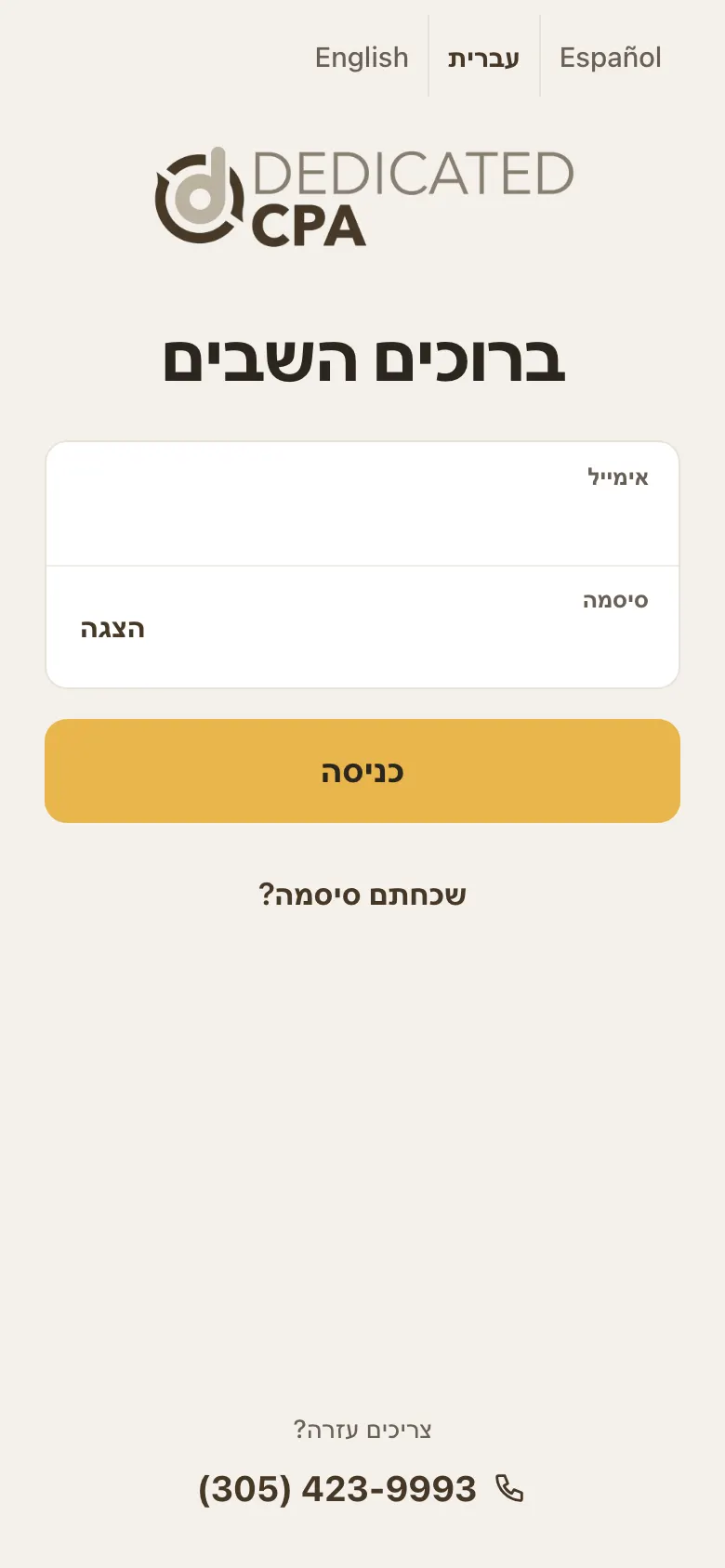
The sign-in page in Hebrew.
Good to know
- Names, company names, addresses and invoice numbers stay as they are written.
- A few pages are still in English while we finish translating them.
Screens show a sample account with made-up details.