

Getting help
Your team and how to reach us
See who works on your account and the fastest ways to reach us.
Step 1: Open More, then Your team
You see the people who work on your account and their roles.
Tap Email to write to that person. Tap Call to phone us.
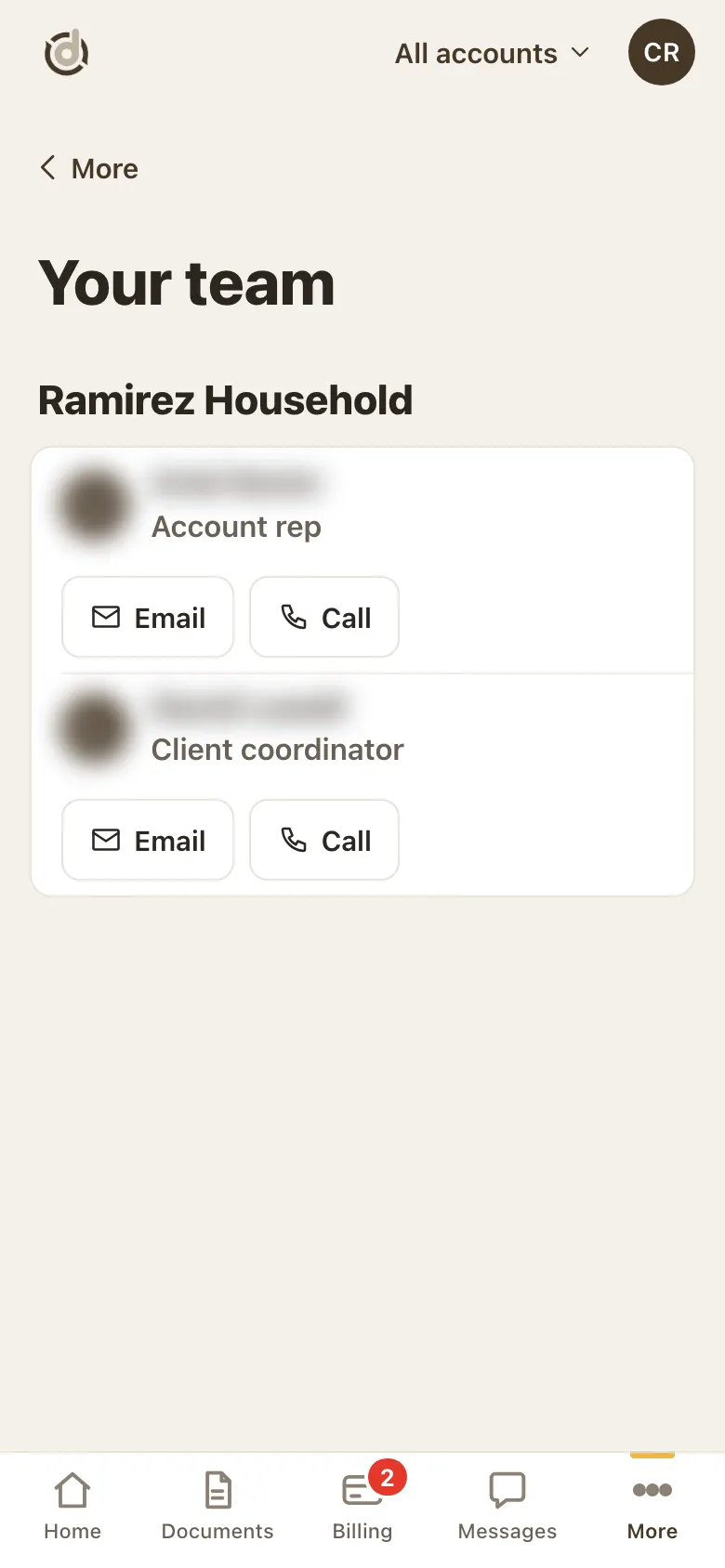
Your team. (Names hidden in this sample.) Step 2: Open More, then Help
Talk to us has Call the office, Message and Email.
Message opens a new request to your team, the same form as Messages, then New request. More, then Contact us opens it too.
Guides takes you straight to common jobs, like sending tax documents or paying an invoice.
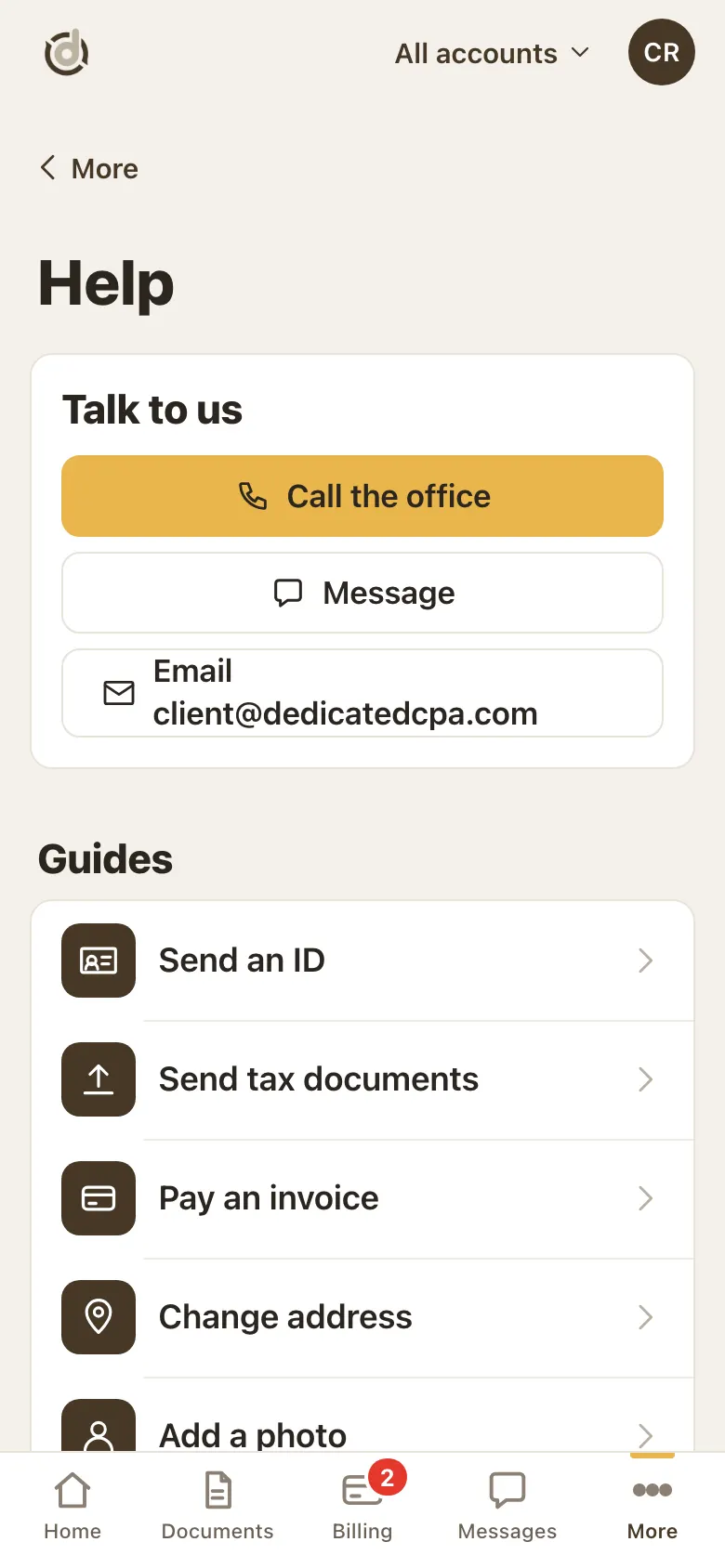
Help: ways to reach us and guides. Step 3: Your team is on Home too
Scroll down Home to Your team for the same Email and Call buttons.
Good to know
- The fastest way to write to us is the Messages tab. Your request reaches your team, and you follow our answers there (see "Send us a message and follow your requests").
- Can't sign in? You can also send us a request from our website's support page, with files attached.
Screens show a sample account with made-up details.